

Twitch and Discord Emotes
Turn three or four PNG poses into a small animated emote.
Examples
- Wave emotes
- Blink loops
PNG to GIF here means several still PNG images become the frames of one animated GIF. Add up to 60 PNG files, drag them into the order you want, and set one frame interval from 20 to 2000 milliseconds. Choose whether the GIF plays once, loops forever or repeats 1 to 100 times. The first PNG sets the canvas size; the others are scaled to fit inside it without stretching. Everything runs in your browser, so a PNG sequence to GIF job never leaves your device.
Use PNG to GIF when your frames already exist as separate images. To edit a GIF you already have, the GIF Resizer, GIF Compressor or Add Text to GIF fits better.
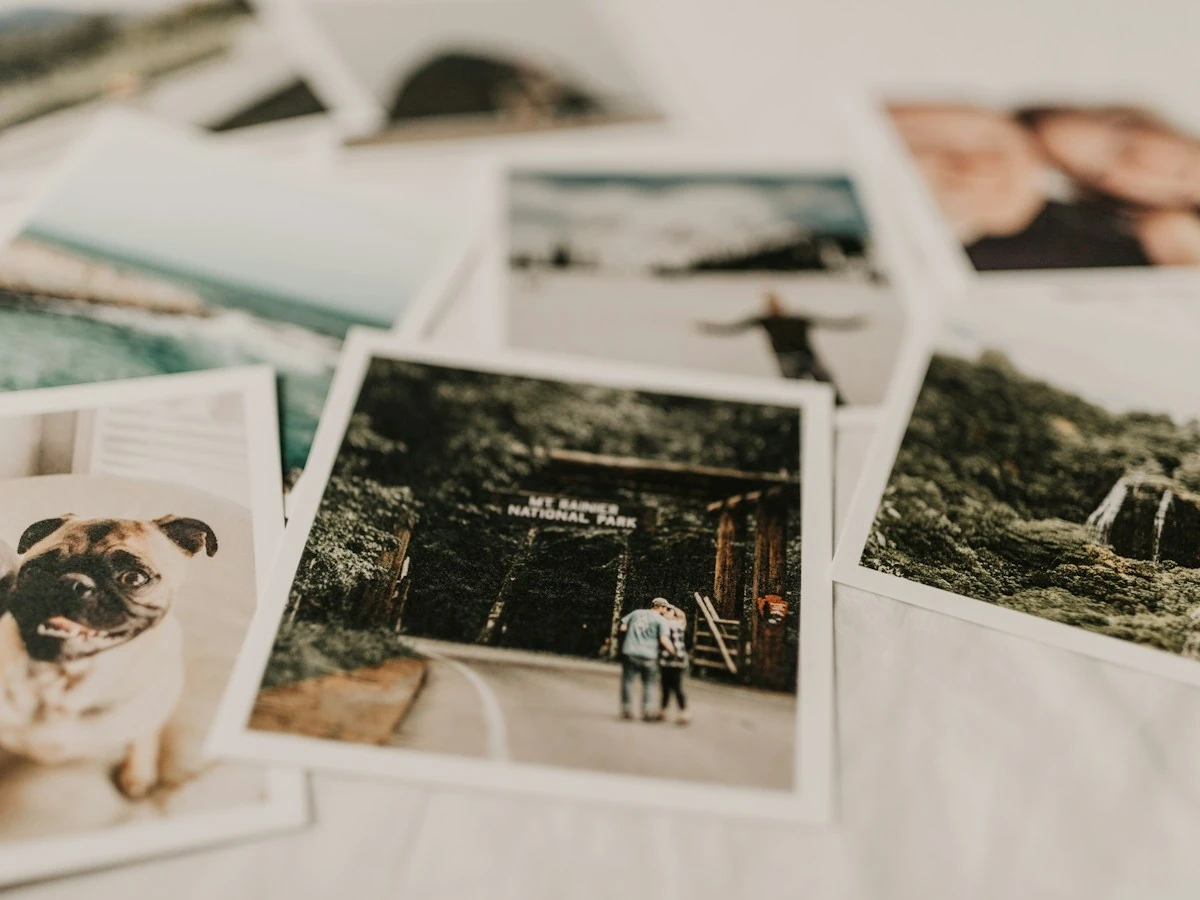
Drag PNG files, or use the move buttons, until the sequence reads correctly from first to last frame.
Up to 60 PNGs
One file per frame.
Drag to Reorder
Or use move buttons.
First Sets Size
Canvas follows PNG one.
What the PNG to GIF converter does, and its limits.
Combine as many as 60 PNG images into one animation.
Rearrange frames by dragging or with move buttons.
Set one frame interval for the whole GIF.
Control how many times the GIF plays.
Other images scale to fit without stretching.
Your PNG files stay on your device; no account needed.
Six ways to turn PNGs into an animation.
Turn three or four PNG poses into a small animated emote.

Join exported sprite frames from a game or pixel art app.

Show a product from several angles with a long delay.

Turn numbered screenshots into a looping how-to.

Reveal comic panels one at a time with a slow delay.

Convert PNG to GIF from a short 3D or animation render.
Add PNGs, set order and timing, download. No upload, no account.
Choose or drop up to 60 PNG images, 20 MiB in total.
Drag frames into order, pick a delay, and choose once, forever or a repeat count.
Preview the animated GIF and save it from your browser.
Frames, timing and limits for PNG to GIF conversion.
PNG to GIF on this page combines several PNG images into one animated GIF, one image per frame. You control the order, a single frame delay, and how many times the animation loops.
Set the order before you create the GIF. Drag each file into place or use the move up and move down buttons; the first image becomes frame one and also sets the canvas size.
A frame delay of 100 ms, the default, gives about ten frames a second. Fast sprite cycles suit shorter delays, while a product slideshow reads better near the long end of the 20 to 2000 ms range.
The PNG to GIF converter applies one delay to every frame and does not support a separate delay for each image. For a longer pause on one frame, export that frame as more than one PNG.
Mixed sizes are fitted to the first PNG. The first image sets the canvas, and every other image is scaled to fit inside it while keeping its proportions.
The PNG to GIF maker is free with no account and no credits. Conversion runs in a Web Worker in your browser, and processing makes no network requests.
The PNG to GIF maker combines up to 60 PNG files and 20 MiB in total, each up to 1600 px per side, with up to 12 million pixels across all frames. The GIF can be up to 40 MiB, and a run is cut off after 60 seconds.
Finish the animation with these.

Choose local files to begin.