AnimateImage
New accounts get free credits to try the studio models.

Animate Image with AI: An Image Animator for Any Photo

The animate image studio turns one photo or drawing into a short video for creators, families, teachers and small shops. Upload a picture, describe the motion and pick from 18 video models, with clips up to 15 seconds and up to 4K on supported plans.

See Plans

Free GIF Tools for the Animated Image You Already Have

All six run in your browser: no sign-up, no credits, and files stay on your device.

Designer using a drawing tablet beside color swatches and markers
01 / 06

GIF Background Remover

The tool reads the corner colors to find the background, or you click to pick it; adjust the tolerance and download a transparent GIF. Built for solid or simple backgrounds, not busy photo scenes.

Woman working on a laptop at a table by a window
02 / 06

GIF Compressor

Shrink an animated GIF by cutting colors, dropping frames or scaling it down, and pick the mix that keeps the motion smooth enough.

Two monitors with colorful screens on a desk
03 / 06

GIF Resizer

Resize every frame proportionally or to a custom width and height, with presets for Discord and Twitch emotes.

Hand drawing with a mechanical pencil on tracing paper
04 / 06

PNG to GIF

Drop in several PNG images, put them in order and set the frame delay to build one animated GIF.

Two friends laughing at a phone in a cafe
05 / 06

Add Text to GIF

Place a caption on every frame and set its position, size, color and outline so it stays readable.

Person editing a photo on a monitor in a dim room
06 / 06

GIF to PNG

Save the first frame as a PNG, or export every frame as PNG files packed into one ZIP.

How Animate Image AI Turns a Still into Video

Animate image AI, also called image-to-video or photo animation, takes one still picture and generates a short clip in which the subject, the camera or the background moves. You upload a photo, write a line about the movement you want, and choose a video model. Searches for AI animate photo, image animator AI or animate photo with AI all describe this job. The model uses the image as its starting point and renders the motion, from a few seconds up to 15 seconds depending on the model. Output resolution follows your plan: the Free plan reaches 768P on Hailuo 2.3 Standard, Basic reaches 1080p, and Pro adds 4K on Seedance 2.0 and Kling 3.0. Editing a GIF you already have is a different job: the free GIF tools on this site resize, compress, caption or clean up an existing animated image in your browser, without credits.

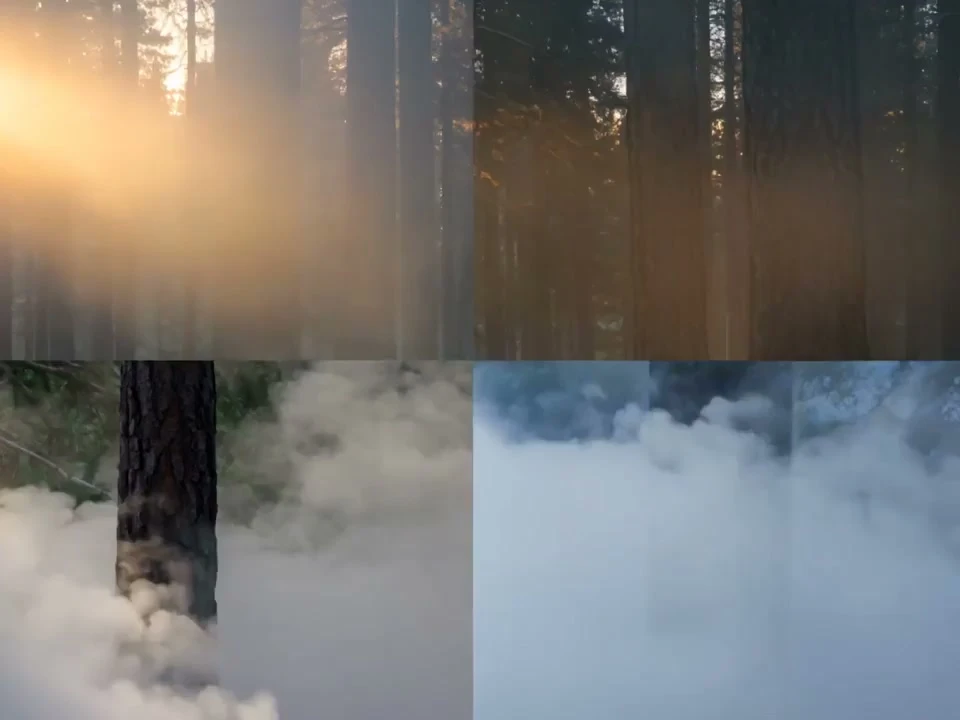
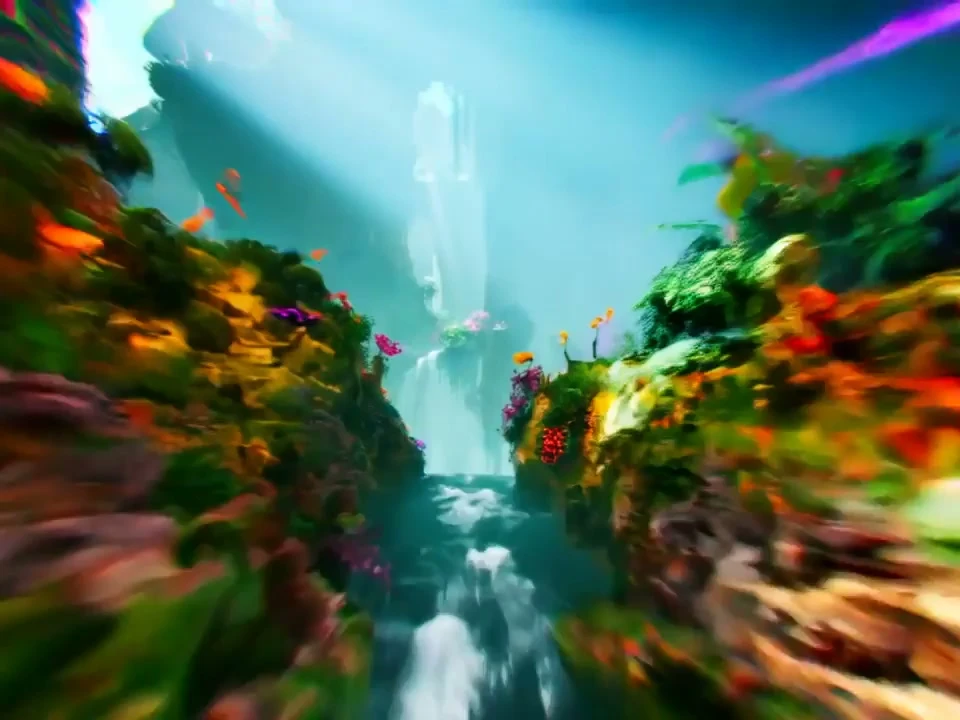
AnimateImage AI concept development showing atmospheric forest and mountain fog scenes

AI Image Animator Modes: One Photo, Two Frames, Many References

Pick the mode by what you start with. One photo goes to image to video. Two photos that mark a start and an end go to first and last frame. Several pictures of the same subject go to reference images. To change a GIF you already have, open the GIF tools in the menu instead.

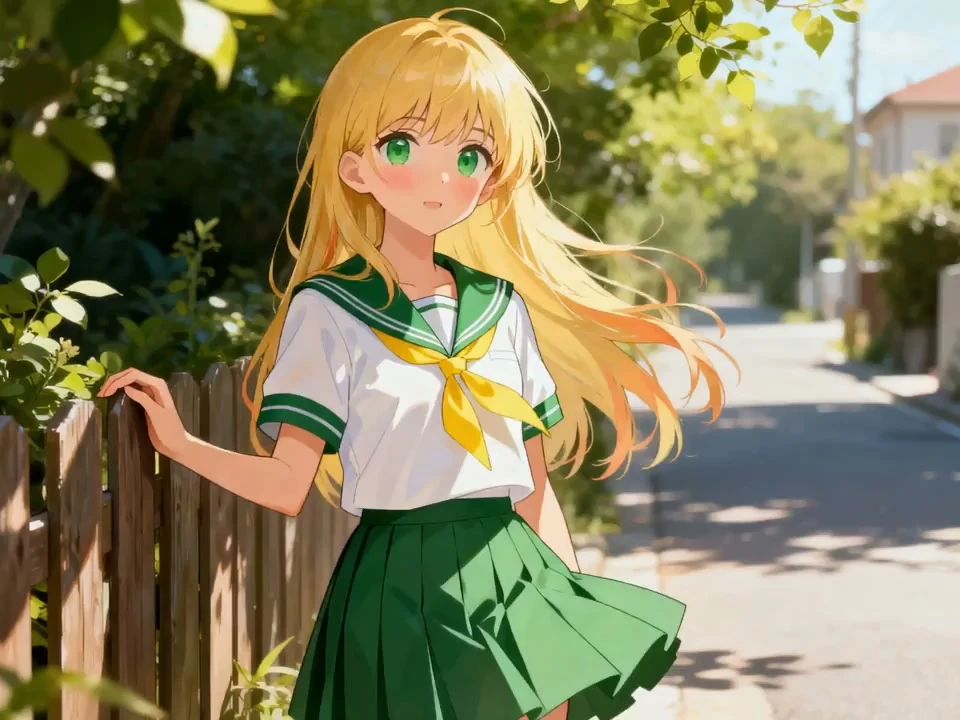
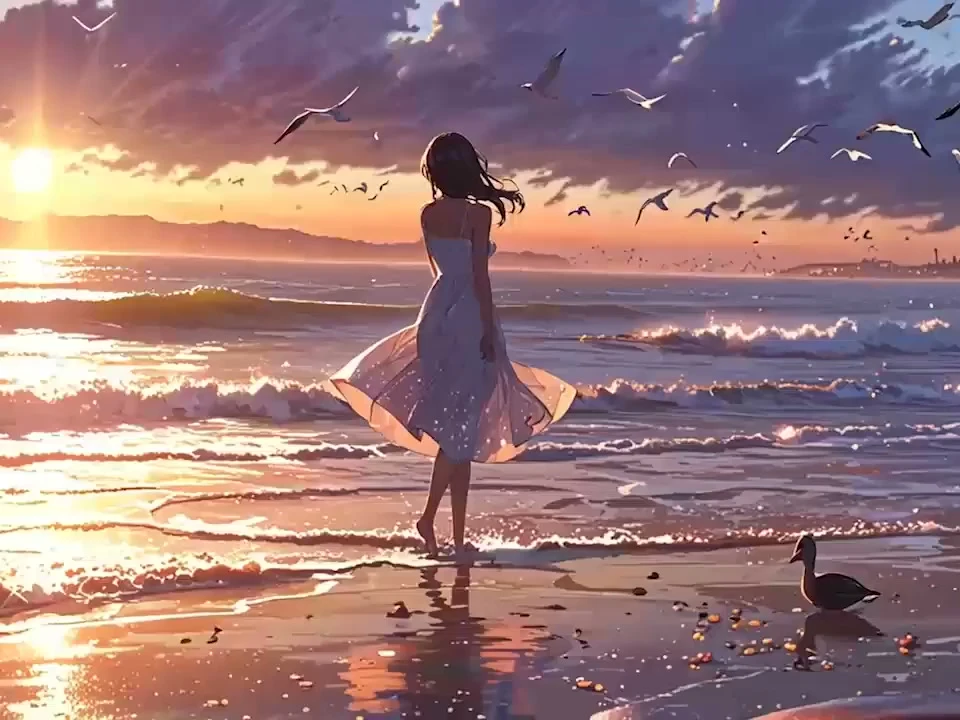
AnimateImage AI animation generator anime girl with natural wind motion in school uniform

Animate Image Uploads with a Single Source Photo

Most models start from one source image: Kling V3 Turbo, Wan 2.6, Hailuo 2.3 and Grok Video 1.5 Preview each take one photo plus a motion prompt, and several run on the Free plan.

Highlights

  • One Image In

    One portrait, pet or landscape photo is enough.

  • Free-Plan Models

    Kling V3 Turbo and Wan 2.6 run on Free.

  • Up to 15 Seconds

    Grok and HappyHorse reach 15 seconds on Free.

What the Animate Image Studio Can Do

Six capabilities behind every animate image clip, with the plan or model each one depends on.

01Models

18 Video Models

Seedance, Veo, Kling, Wan, Grok, Hailuo and HappyHorse share one picker, so you can rerun the same photo on another model.

02Resolution

Up to 4K

Seedance 2.0 and Kling 3.0 reach 4K on Pro and Business; Basic reaches 1080p and Free reaches 768P.

03Length

Clips Up to 15 Seconds

Grok and HappyHorse reach 15 seconds on every plan; Seedance 2.0, Kling 3.0 and Wan do so from Basic.

04Input

One Photo or Up to 9

Most models animate one source photo, while Seedance 2.0 and HappyHorse take up to 9 reference images.

05Control

First and Last Frame

Kling 3.0, Seedance 2.0, Wan 2.7, Hailuo 02 Pro and Veo can take an end frame as well as a start.

06Plans

Image to Video on Free

Free-plan models such as Kling V3 Turbo, Wan 2.6 and Hailuo 2.3 Standard accept a source photo, so you can animate photo online before paying.

How to Animate Image Uploads in Three Steps

Three steps take a still photo to a finished clip. Downloading the video starts on the Basic plan.

  1. 01
    Step

    Upload Your Image

    Add a clear photo or illustration to the animate image panel. One subject facing the camera in good light works well.

  2. 02
    Step

    Describe the Motion and Pick a Model

    Write a short animate image prompt about what should move, then choose a model, length and resolution your plan allows.

  3. 03
    Step

    Generate, Review, Download

    Watch the animate image result and rerun with a new line if needed. Video download is available from the Basic plan.