


Discord Uploads
Use the GIF compressor for Discord when a reaction GIF is over the upload limit.
Examples
- Reaction GIFs
- Server emotes
The GIF compressor makes an animated GIF smaller with three controls you can mix. Palette sets the maximum number of colors, from 2 to 256. Frame skipping keeps one frame out of every 1 to 10 and adds the dropped frame time to the one it keeps, so the loop runs at the same total length. Scale shrinks the width and height from 10 to 100 percent. After each run the page shows the size before and after. Some GIFs are already tightly encoded and may not get smaller, so check the readout before you download.
Start with scale for big GIFs, use the palette for flat graphics, and skip frames last. For a new canvas size, the GIF Resizer is the better fit.
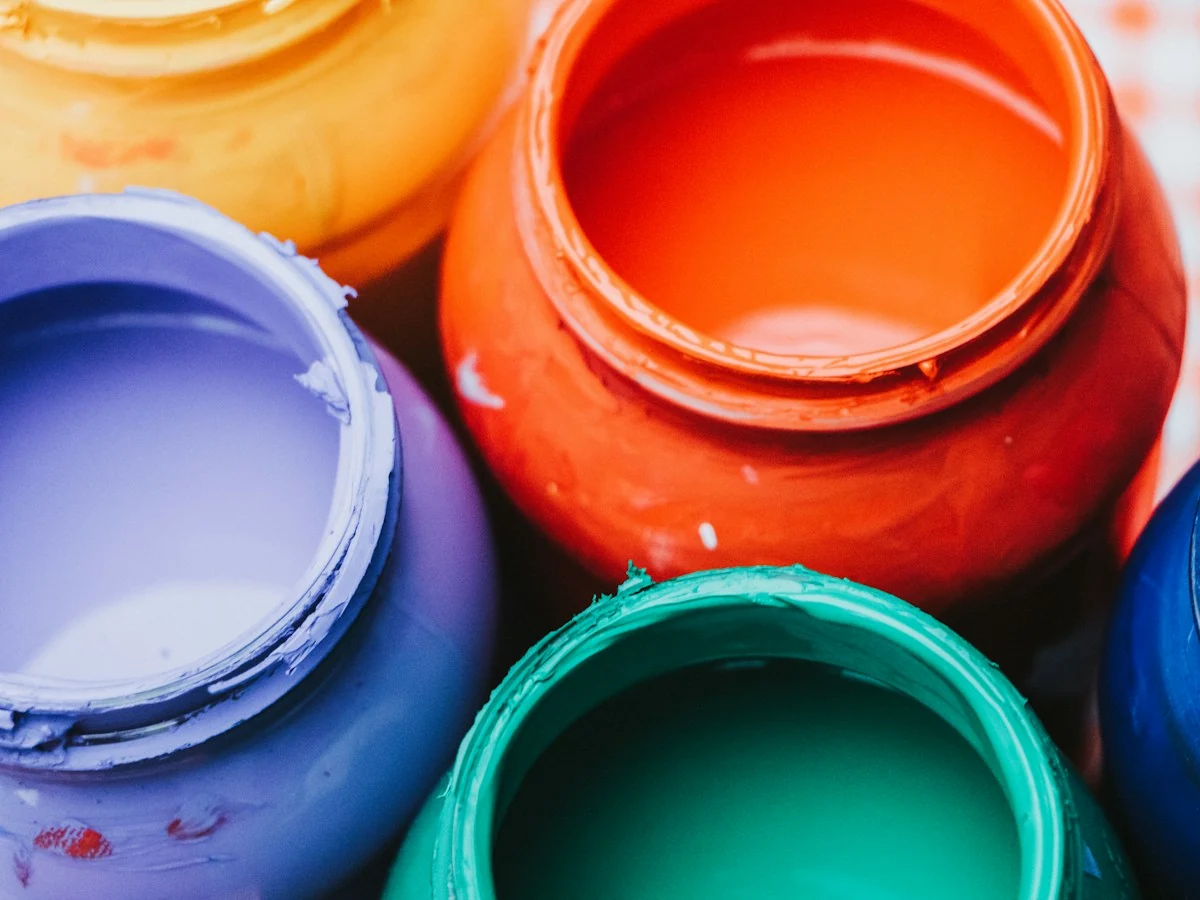
Flat graphics, stickers and screen captures can often drop to 64 colors or fewer with little visible change.
From 2 to 256
Pick the color ceiling.
Default 64
A middle starting point.
Watch Banding
Raise it if gradients band.
What this animated GIF compressor gives you, and its limits.
Lower the color ceiling for a smaller file with flat artwork.
Drop frames while the total loop time stays the same.
Shrink every frame by the same amount.
See the original and result size before you download.
A Web Worker in your browser does the work; nothing is uploaded.
Inputs up to 20 MiB, 120 frames and 1600 px per side.
Six places a GIF size compressor helps.
Use the GIF compressor for Discord when a reaction GIF is over the upload limit.

Shrink a looping logo so the email loads fast.

Cut colors on a UI demo GIF before adding it to docs.

Scale a screen recording GIF down for a quick team post.

Lighten a product GIF so the listing page stays quick.

Run old GIFs through compression and keep the smaller copies.
Add a GIF, set the three controls, check the size. No account, no upload.
Choose or drop one GIF up to 20 MiB and 120 frames.
Start with the defaults of 64 colors, every 2nd frame and 75 percent scale.
Read the before and after size, then download or adjust the settings.
Sizes, quality and limits of the in-browser GIF compressor.
A GIF compressor reduces the data each frame needs. This one works three ways: fewer palette colors, fewer frames, and smaller dimensions. Combining two of them usually saves more than pushing one to the extreme.
Only sometimes. A GIF compressor can shrink a file without visible loss when the GIF already has spare colors or oversized frames. Lowering colors on a flat sticker or scaling a huge screen capture is often invisible; on a photo-like GIF, fewer colors show as banding.
The GIF compressor works for Discord, but there is no Discord preset. Compress the GIF, read the result size and compare it with the limit Discord shows you; the tool does not check that limit for you.
No setting targets an exact file size such as 10MB, 5MB or 256KB. It shows the size after each run, so you lower colors, frames or scale step by step until you are under your target.
Some GIFs are already tightly encoded, so re-encoding may save little or nothing. The tool does not guarantee a smaller file, which is why it shows both sizes before you download.
Compression here is free with no account and no credits. Your GIF is processed by a Web Worker in your browser, and the processing step makes no network requests.
Inputs can be up to 20 MiB, 120 frames and 1600 px per side, with up to 12 million pixels across all frames. Results can be up to 40 MiB, and a run is cut off after 60 seconds.
Pair the GIF compressor with these.

Choose local files to begin.